How to Request a Secure ID
- If you cannot locate your Secure ID, you may request that your Secure ID be emailed
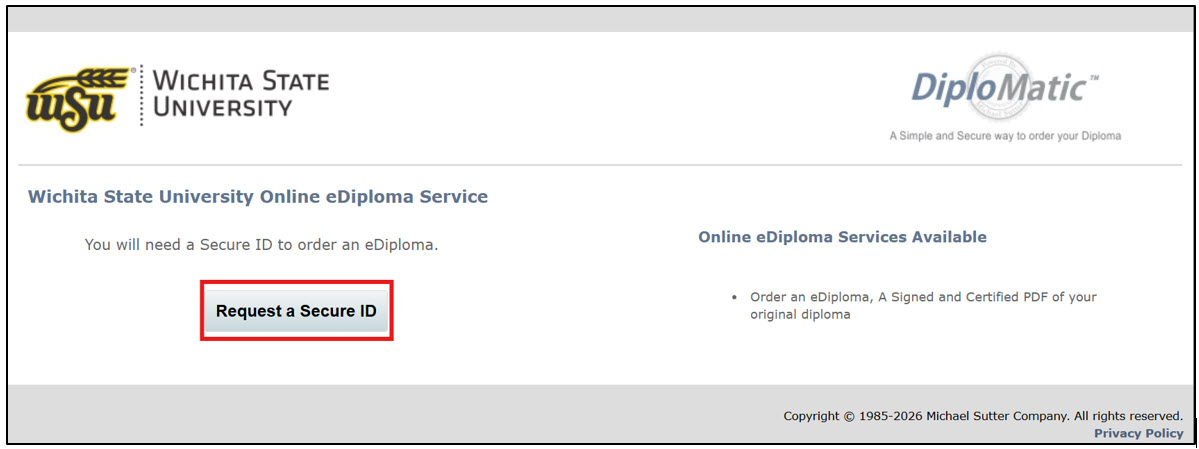
to you by visiting the Wichita State University Online eDiploma Service. From the WSU eDiploma Service web page, click the Request a Secure ID button.
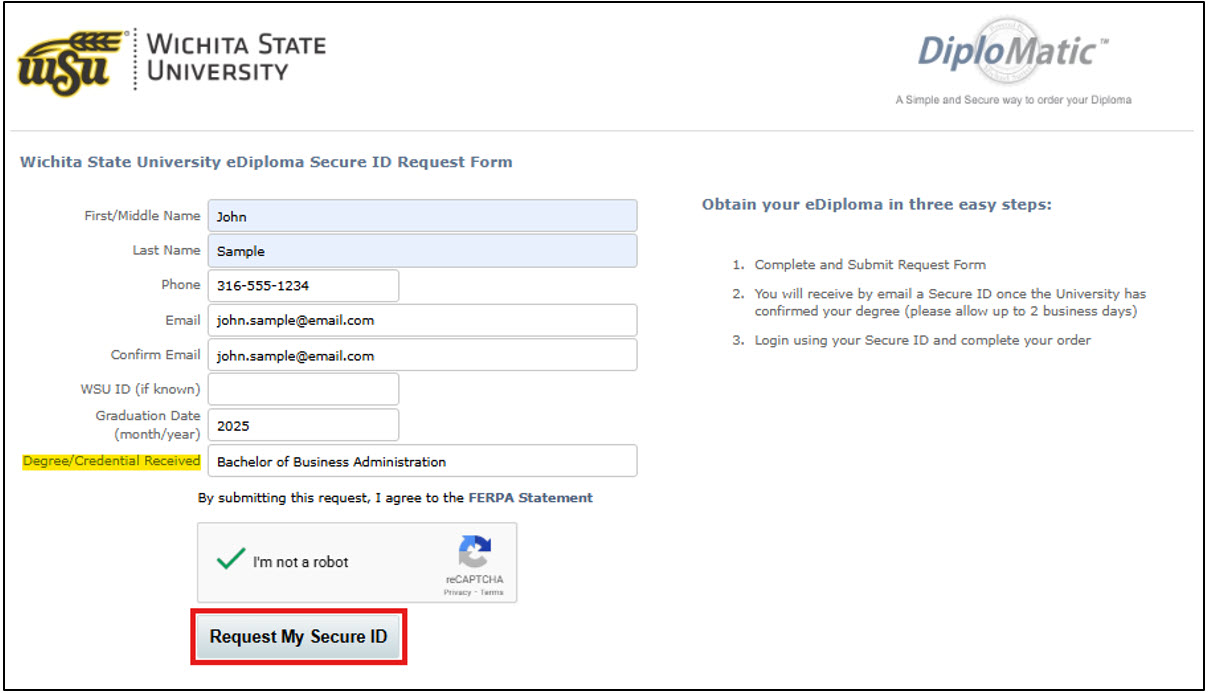
You will be taken to the Secure ID Request form. The Secure ID is unique to the type of credential that you earned (certificate, associate, bachelor’s, etc.) so you will need to complete a separate Secure ID request if you are requesting a diploma for multiple credentials. - Once you have completed the form, click on the Request My Secure ID button.
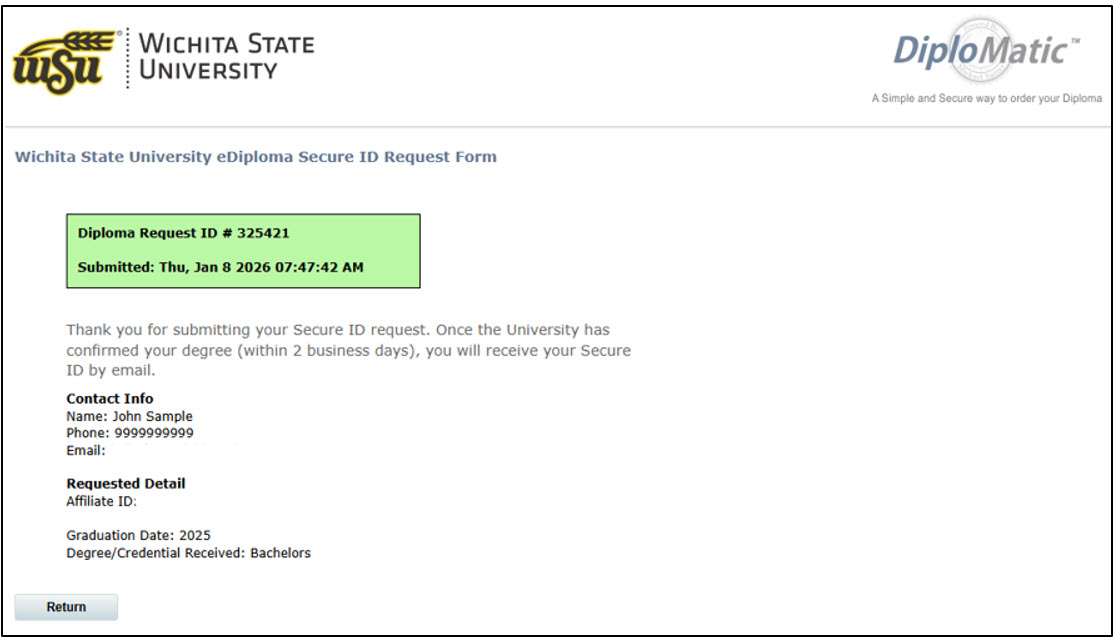
- You will be taken to a confirmation page with a Diploma Request ID number.
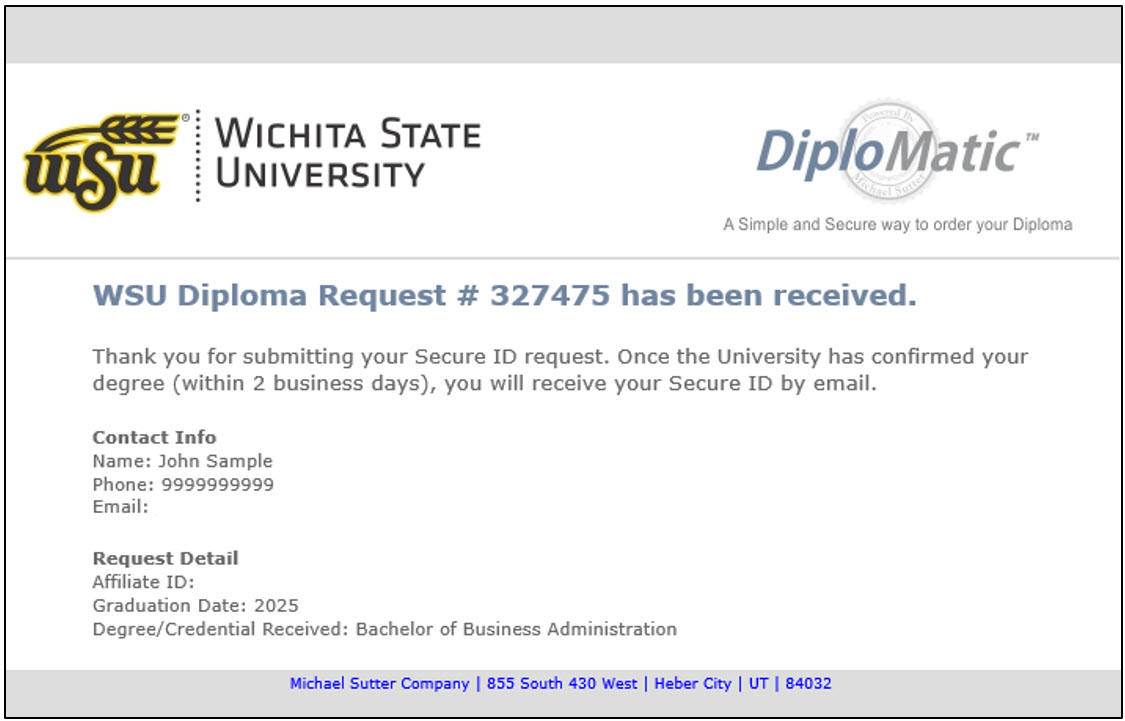
- You will also receive an email from diplomaorder@michaelsutter.com confirming your Secure ID request.