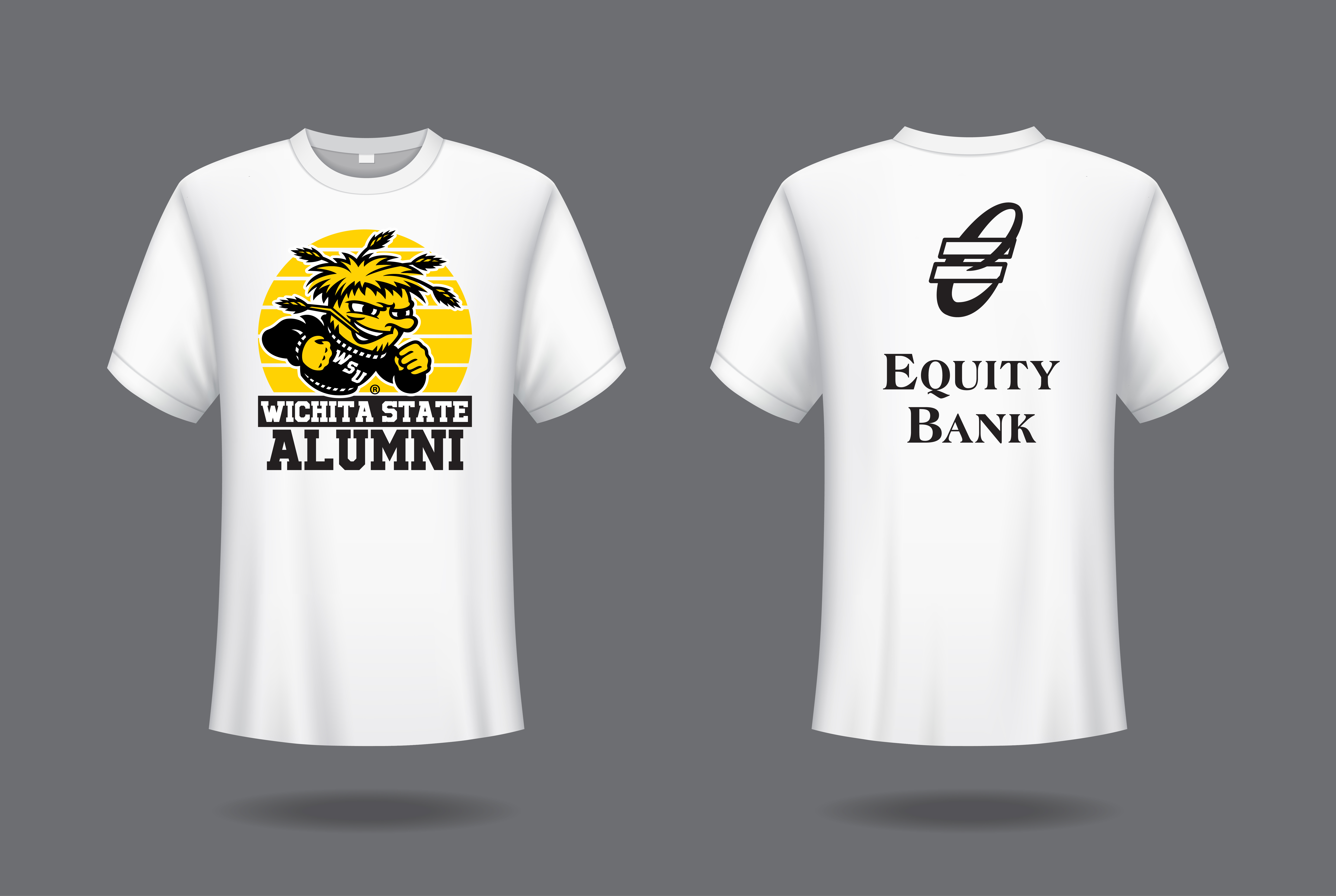
Graduating? Tell us what’s next and get your free alumni shirt.

How to get your shirt
Step 1
Log in to Shocker Central
Use your WSU SSO credentials to access your account.
Step 2
Complete the survey
Most students will be prompted to complete the Post Graduation Outcomes survey after logging in.
Step 3
Report your status
If you do not see the prompt, go to the Outcomes box and select +Report Status for Post-Graduation.
Before you start
You may be asked to provide details about your next step, such as an employer or graduate school name, job title, program, location, start date and compensation information, if applicable.
Step 1: Visit Shocker Central and log in using your Wichita State SSO credentials.
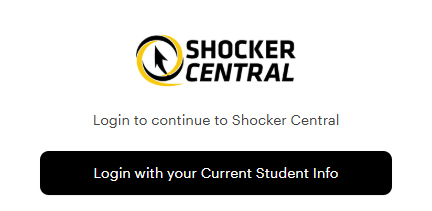
Step 2: For most students, the Post Graduation Outcomes survey will appear after login. If this is your first time logging in, you may also be asked to answer a few basic profile questions.
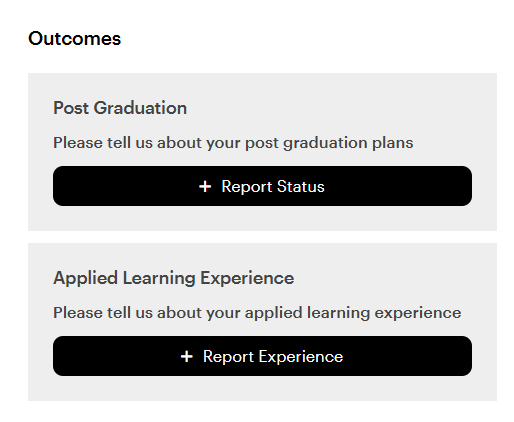
Step 3: If you do not see the prompt, go to the Outcomes box and select + Report Status for Post-Graduation from the Home page.
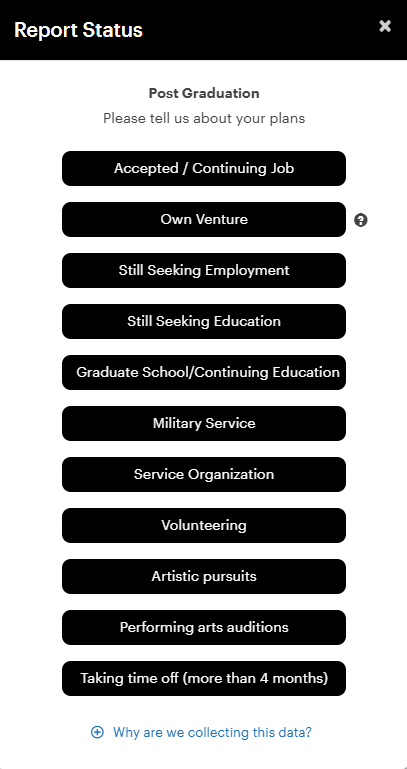
Step 4: Select the option that best matches your plans after graduation.
Step 5: Complete the requested information and submit your outcome.
What information will I be asked to provide?
The survey questions depend on the option you select. You may be asked about employment, graduate school, service, military plans, volunteering, research, entrepreneurship or other intentions.
- Accepted Job / Continuing Job (Choose this option if you have accepted a new job or will continue working in your current position.)
- Own Venture (Choose this option if you are starting your own business or will be self-employed.)
- Still Seeking Employment
- Still Seeking Education
- Graduate School / Continuing Education
- Military Service
- Service Organization
- Volunteering
- Other Intentions
If you accepted, received or declined a job offer, or if you are starting or continuing your own venture, you may be asked for details such as:
- Employer name
- Job title
- Location type, including on-site, hybrid or remote
- Country, city and state
- Offer date, acceptance date, start date or end date, if applicable
- Salary, hourly pay or other compensation details
- How you found the opportunity
If you are still seeking employment or education, you may be asked about your current status and any additional details you would like to share.
Status options may include:
- Have not started looking yet
- Applied but have not received an interview
- Interviewed but have not received an offer
- Received an offer and still deciding
If you are continuing your education, you may be asked for details such as:
- Degree Sought (Which degree are you pursuing? Master's, Doctorate, Second Bachelor's, or Other.)
- Degree Earning (Name of degree. Examples: Aerospace Engineering, Counseling, Business Administration, etc.)
- University name
- Expected field of study
- Approximate start date
- Enrollment status
- Country, city and state
Depending on your selection, you may be asked for details such as:
- Organization or branch of service
- Role, rank, service commitment or time commitment
- Location
- Start date and end date
- Additional information you would like to share
If your plans do not fit one of the other categories, you may select Other Intentions. Examples may include:
- Artistic pursuits
- Performing arts auditions
- Taking time off for more than four months